Set up in Claude
Propush.me is listed in Claude's connector directory, so there is no URL to paste and no config file to edit: open Settings → Connectors, find it in the directory, and click Connect to Claude. Sign in with your Propush account and the assistant can work with your sites, zones, balance, and statistics directly in conversation. Works on the Free plan too. The URL below is only needed if you add the connector by hand — in Claude Code or another MCP client.
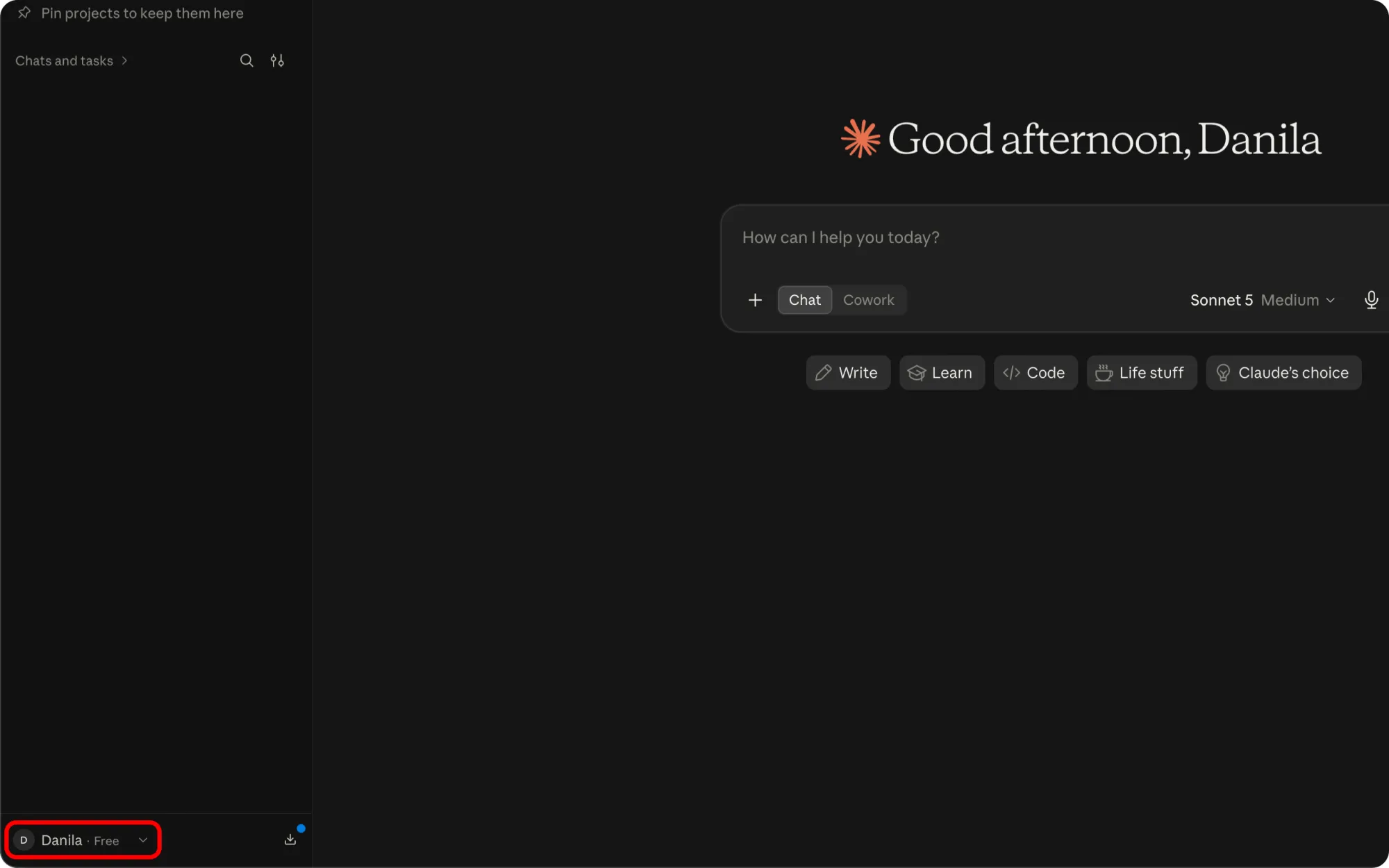
Open Claude and click your account name in the bottom-left corner.
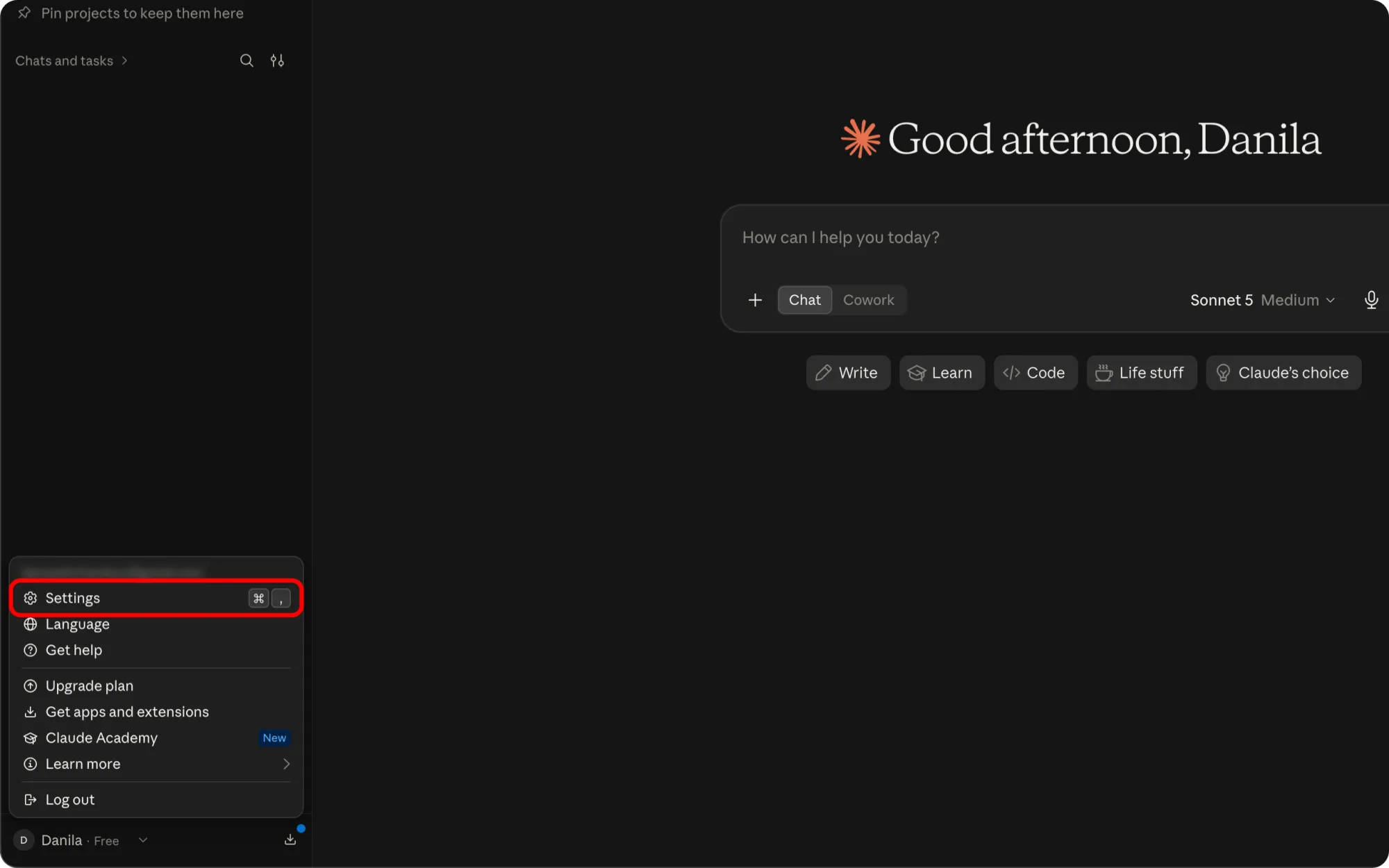
Choose Settings.
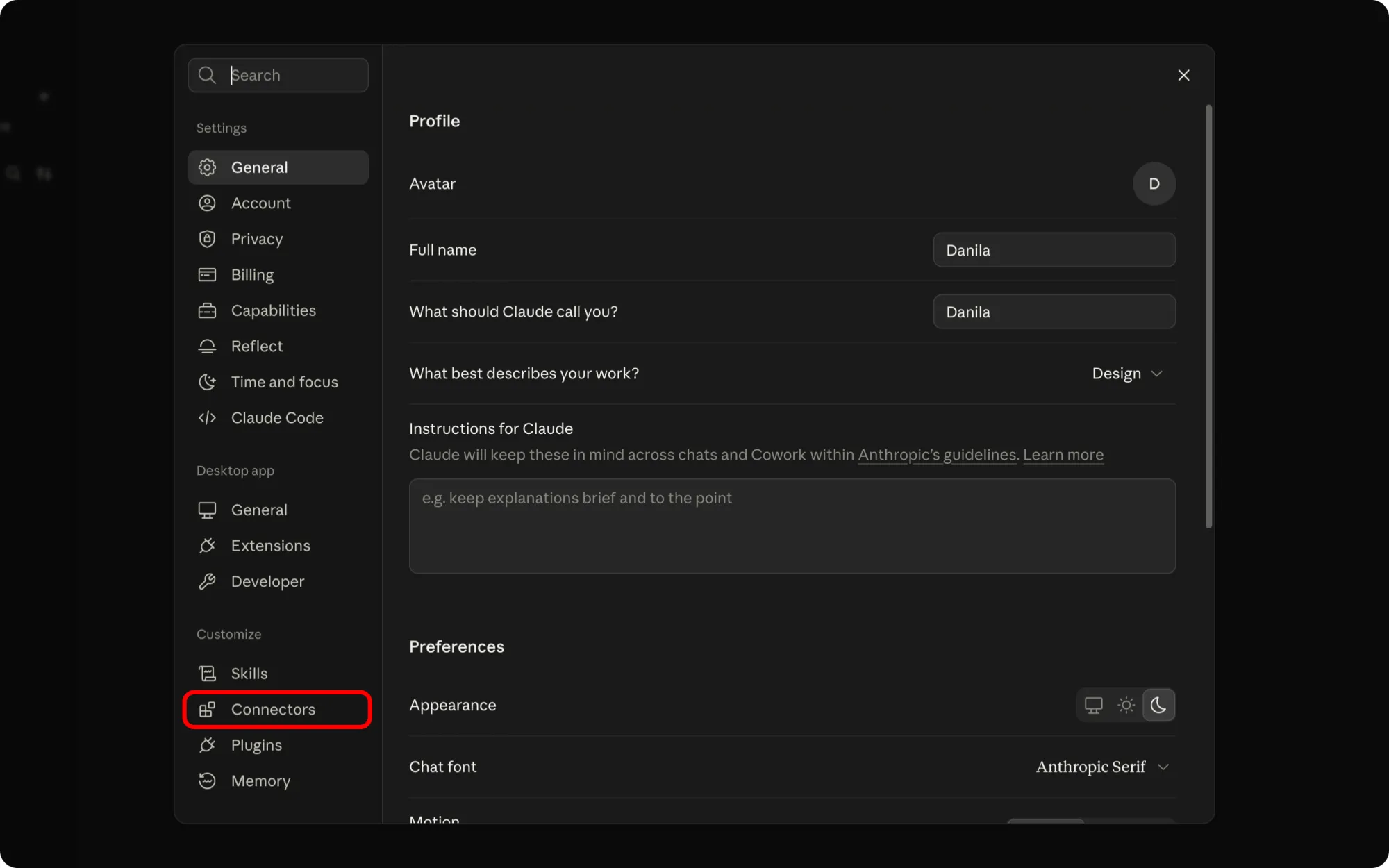
Open Connectors in the sidebar, under Customize.
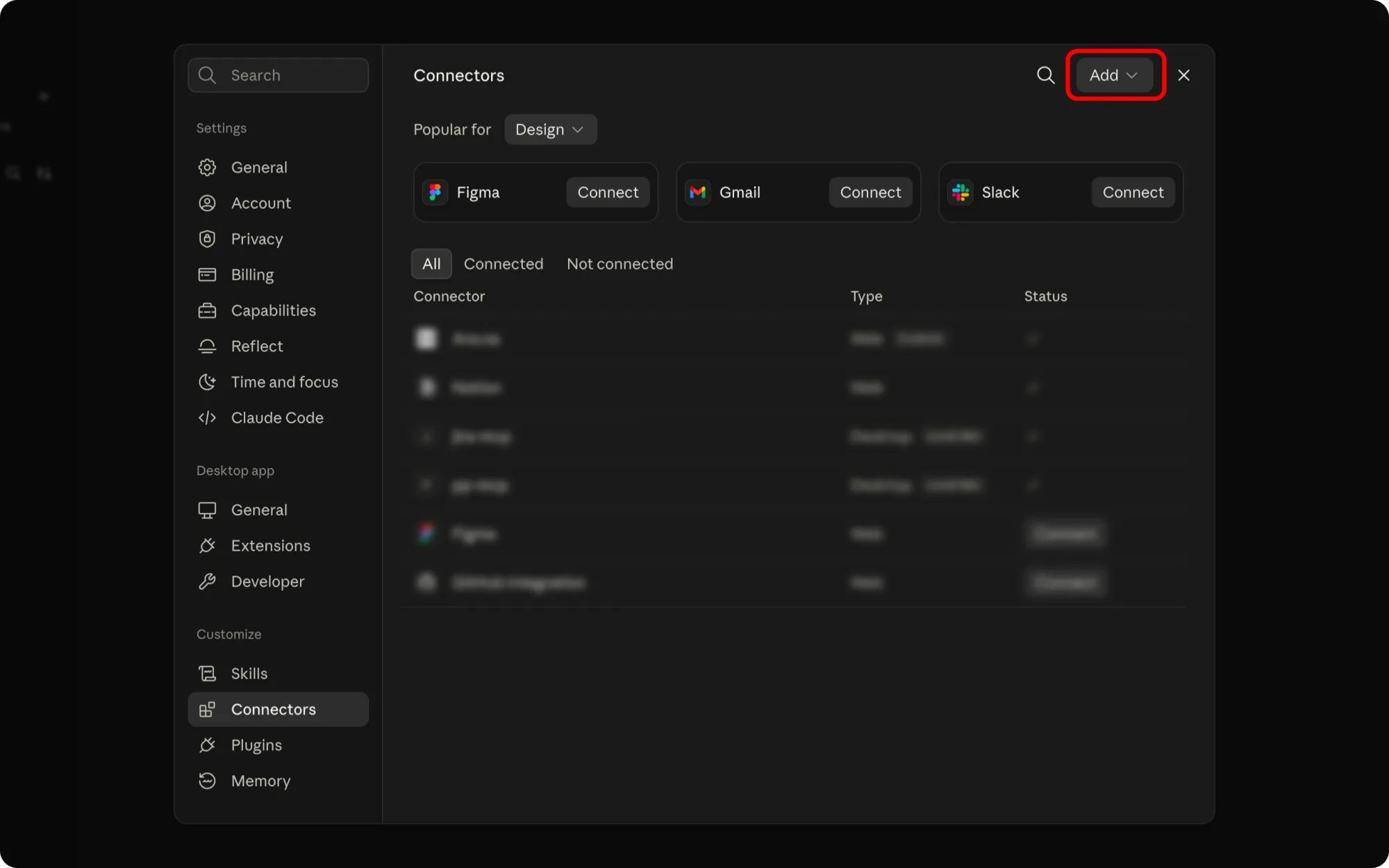
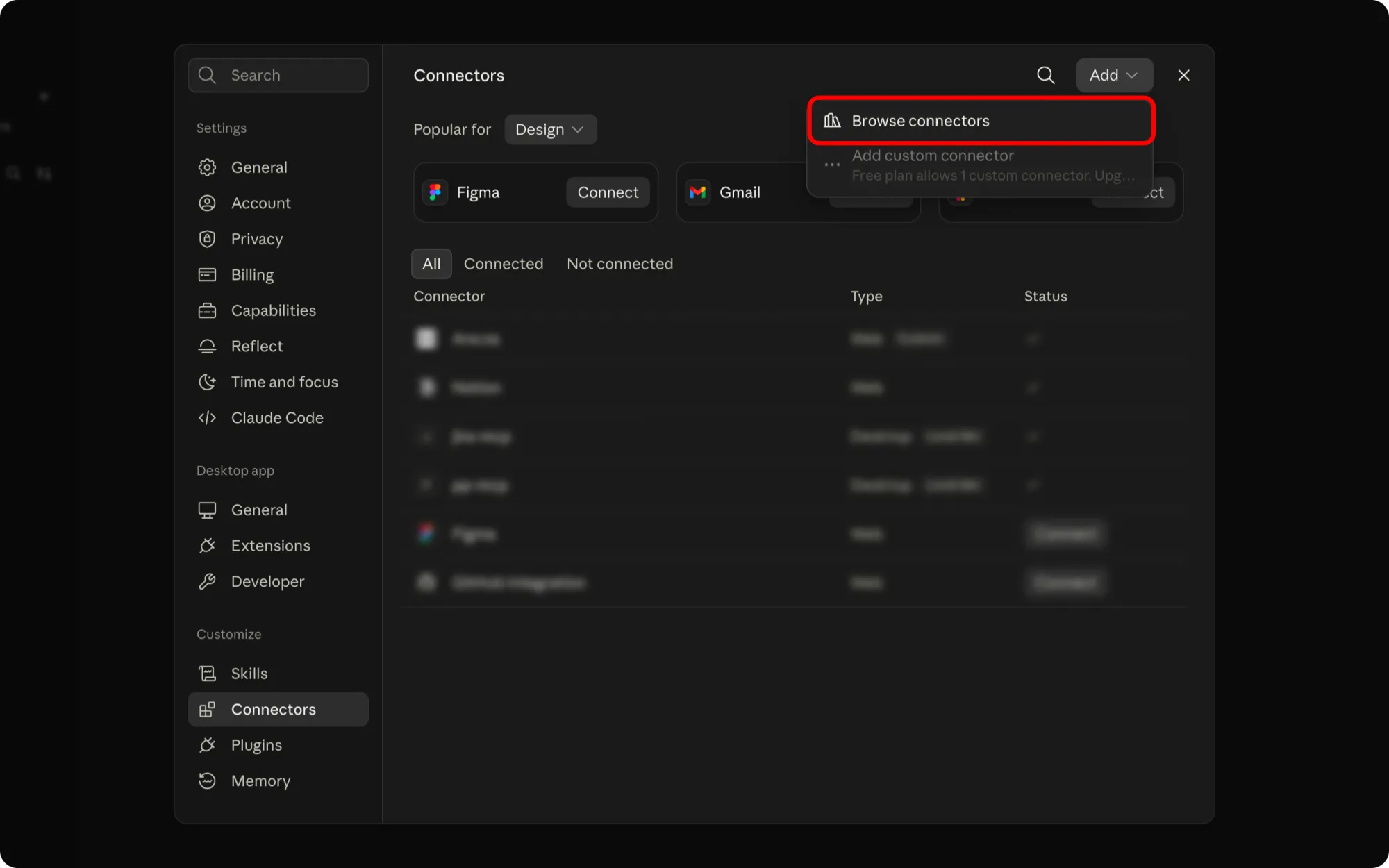
Click Add in the top-right of the Connectors pane.
Choose Browse connectors to open Claude's connector directory.
Search for
propush.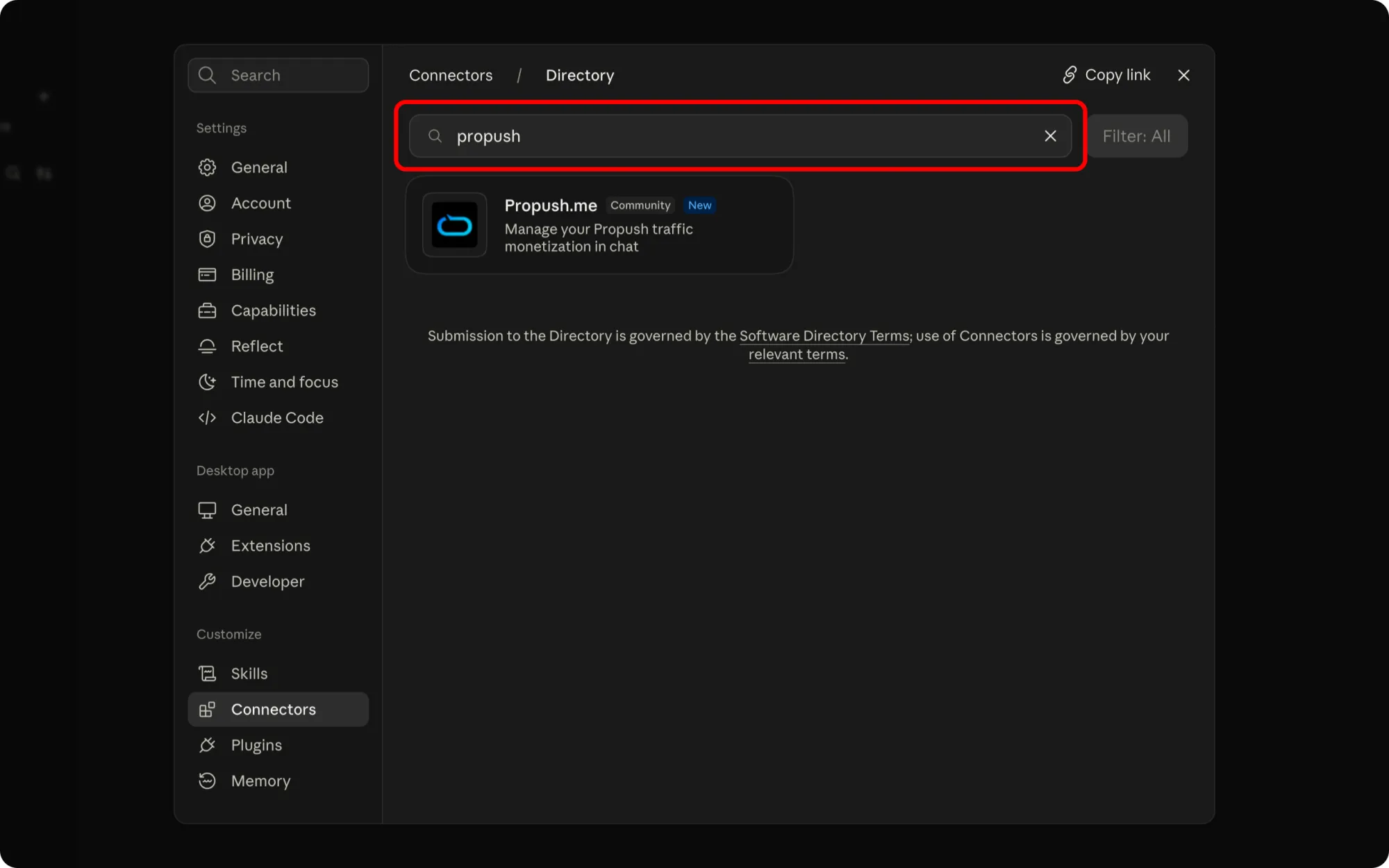
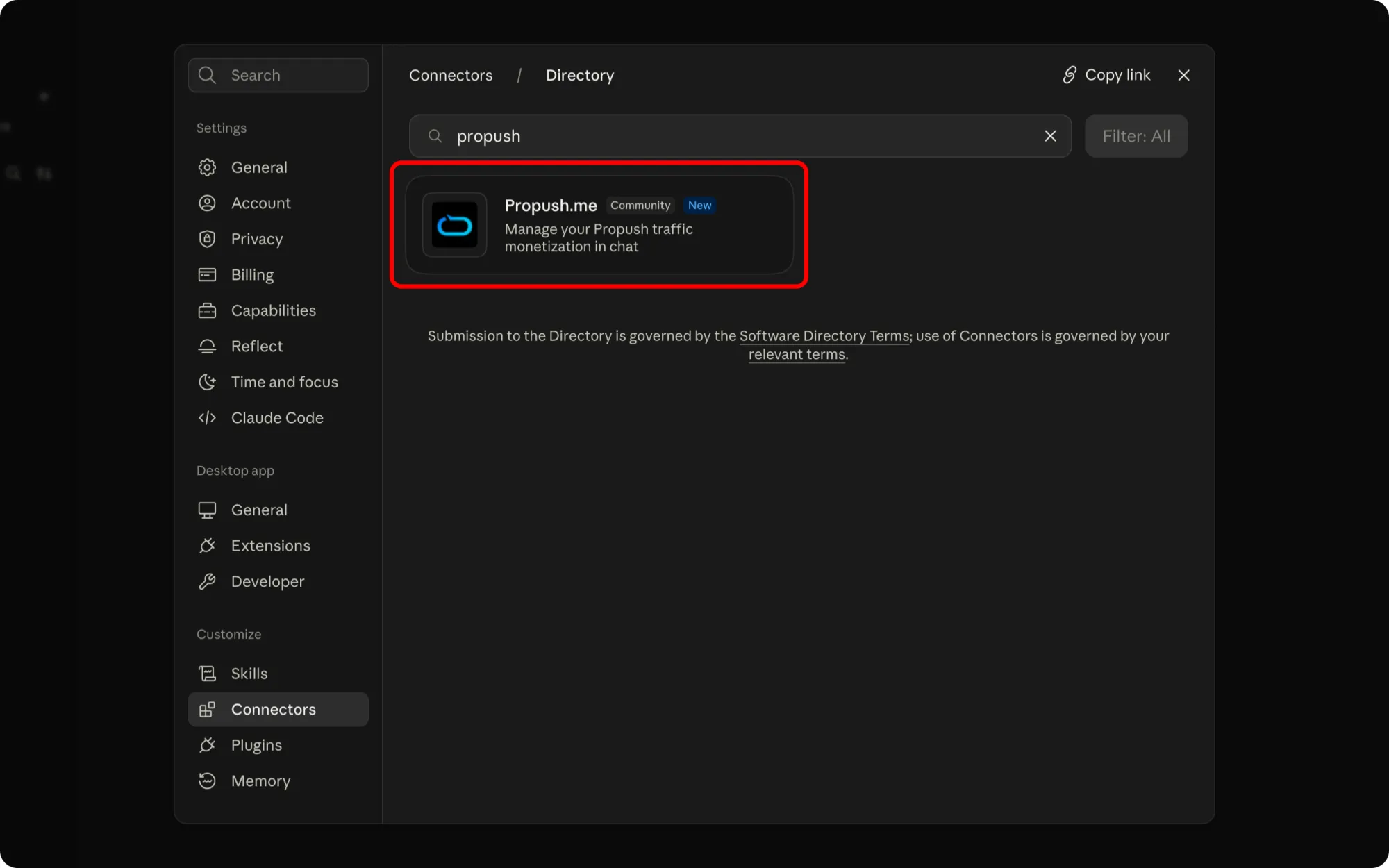
Open the Propush.me card in the results.
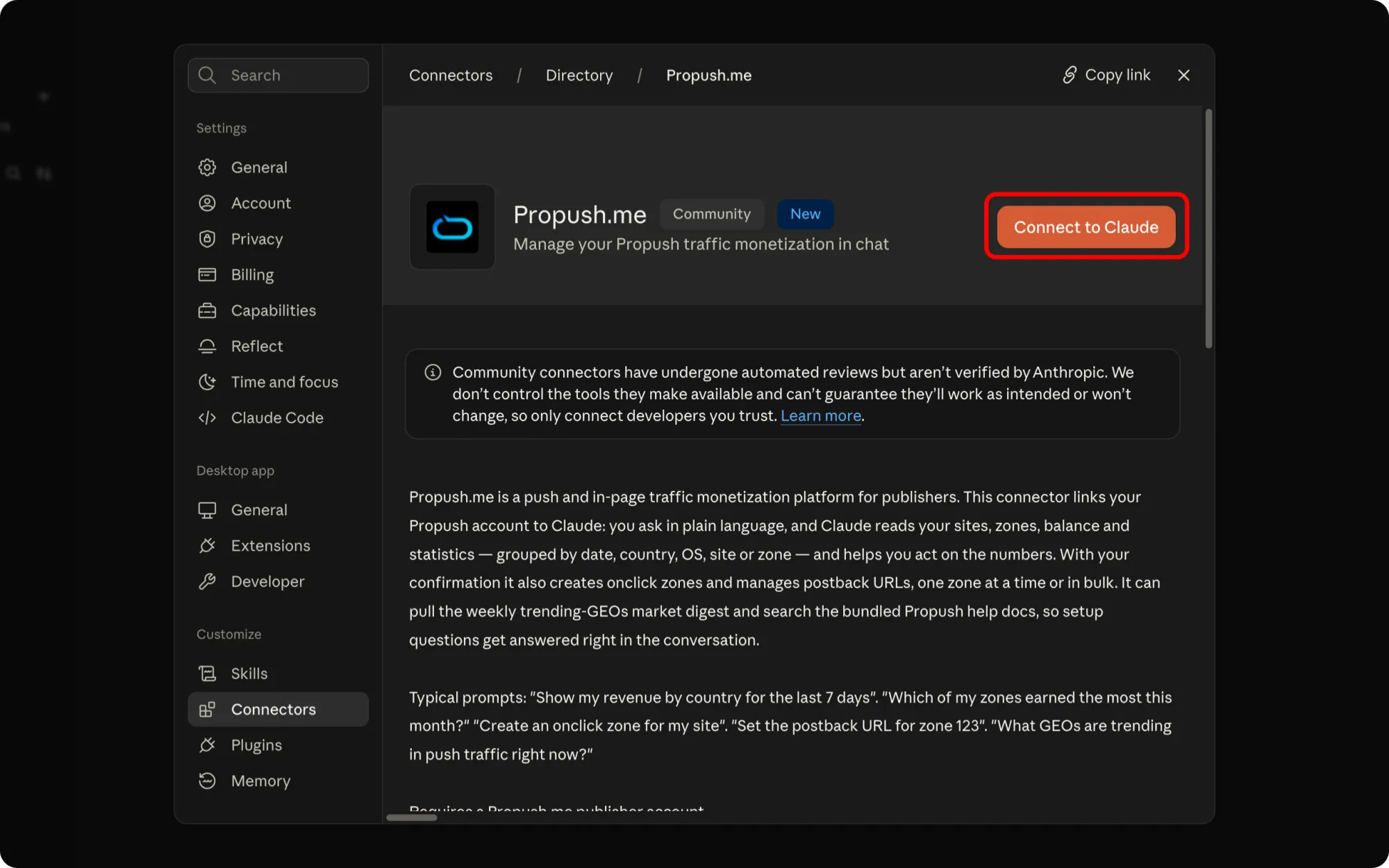
Click Connect to Claude.
Sign in with your Propush account in the window that opens and confirm access. The Propush tools are then available in your chats.